Sessions
How sessions work
A session is a single conversation with one agent. It keeps its own chat, files, and gallery, so everything you make in it stays together.
On your Mac, a session is a real folder at ~/fnrb/<session-id> — what you see in the app is what's on disk. Open as many sessions as you like; each opens as a tab.
The canvas#
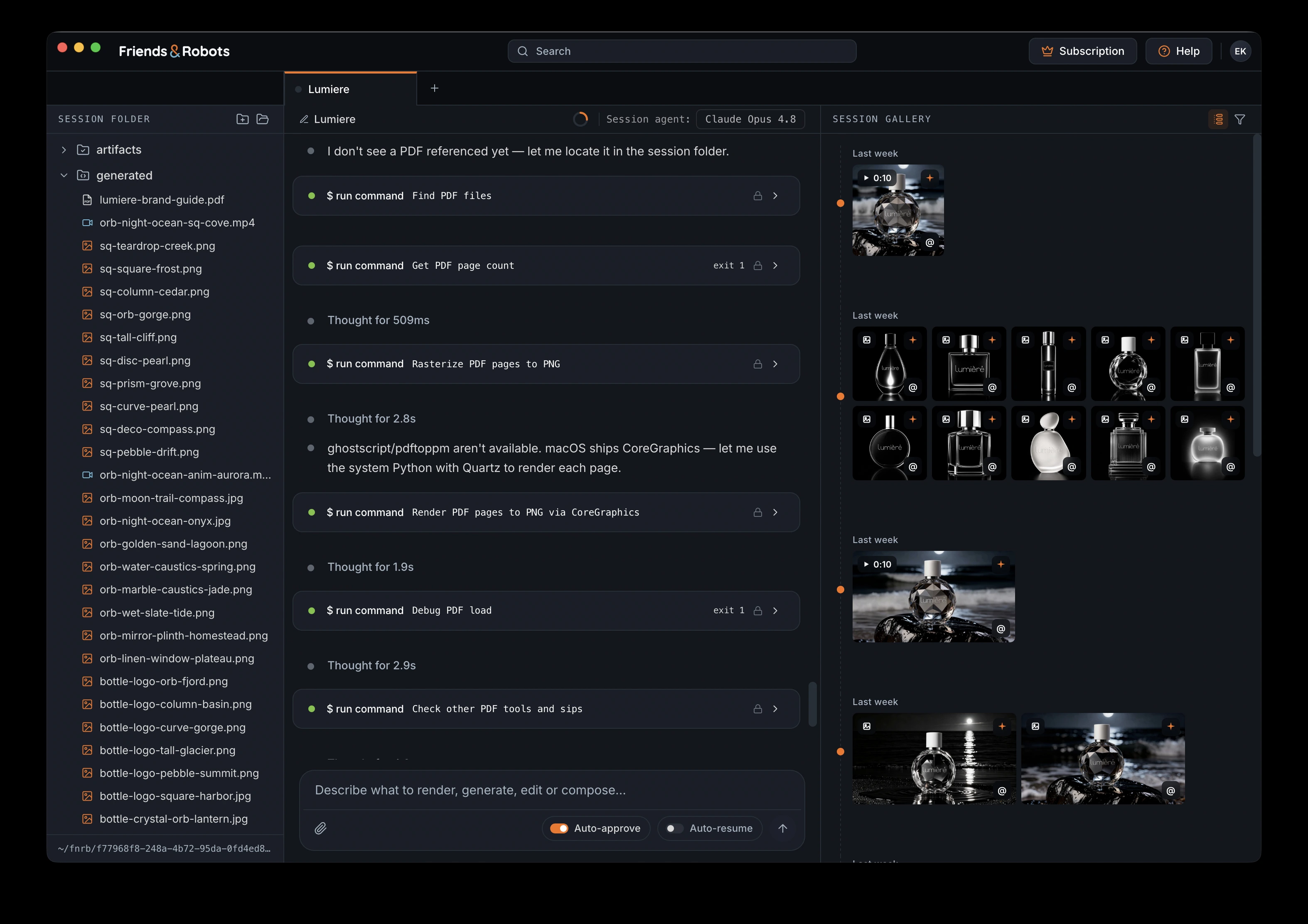
A session opens across three panels: the session folder on the left holds its files, the chat in the center is the conversation, and the gallery on the right shows everything you've produced.
Naming a session#
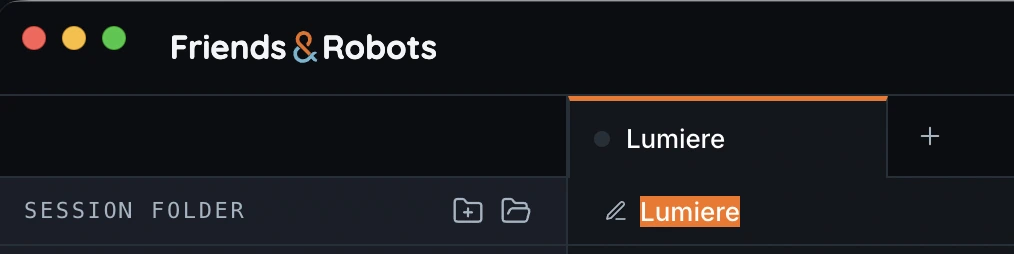
You can name a session anytime by clicking its title in the chat header and typing a name.