Media approvals
Media operations cost credits, so by default each one checks with you before it runs. You can confirm them one at a time, or let them through automatically.
The approval card#
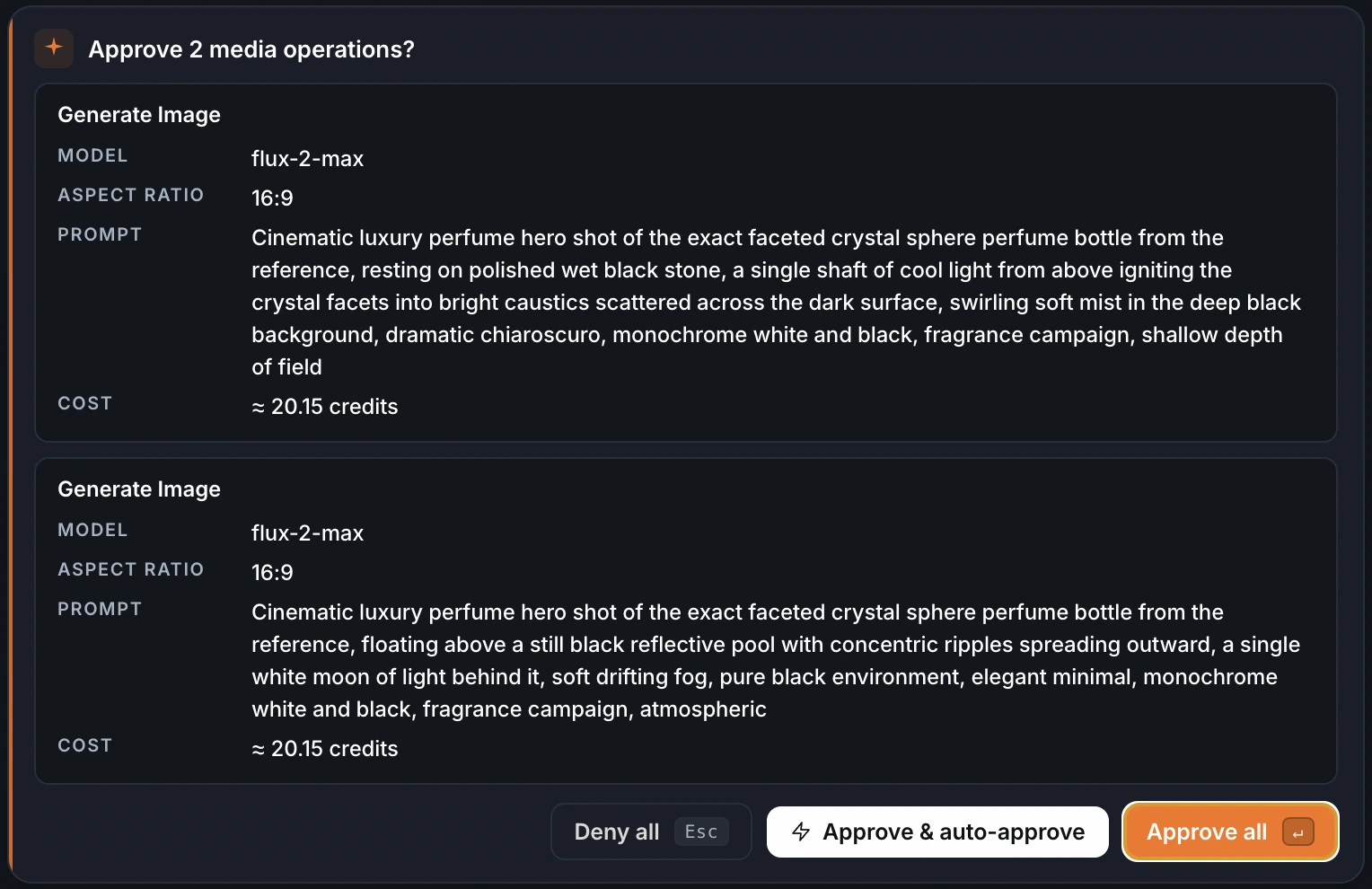
Before a billable operation — a generation, edit, or enhancement — an approval card appears with what it'll do and its estimated cost, shown as a range like ≈ 1.50 to 2.00 credits. Approve it or Deny it; Enter approves, Esc denies. When several operations are queued at once, they batch into a single card you approve together. Nothing billable runs without your go-ahead.
Auto-approve#
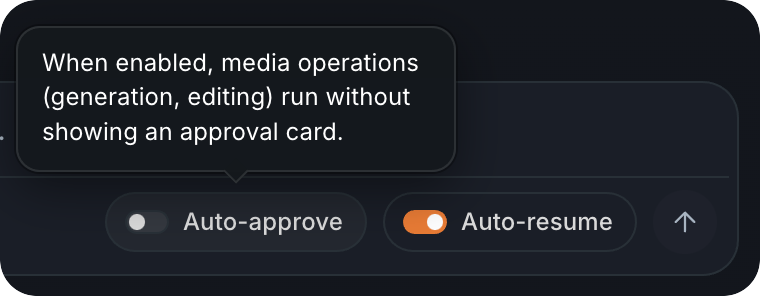
Turn on Auto-approve — the switch sits in the composer — and media operations run without showing a card. The approval card also carries an Approve & auto-approve button that flips it on as you confirm, so you can stop being asked from that point on. It's per session and off by default; turn it back off with the same switch whenever you want the checks back.