Sessions
Mentioning media
To point the agent at a specific file, mention it. A mention is a link to one piece of media in the session — the clearest way to say "this one."
Mentioning a file#
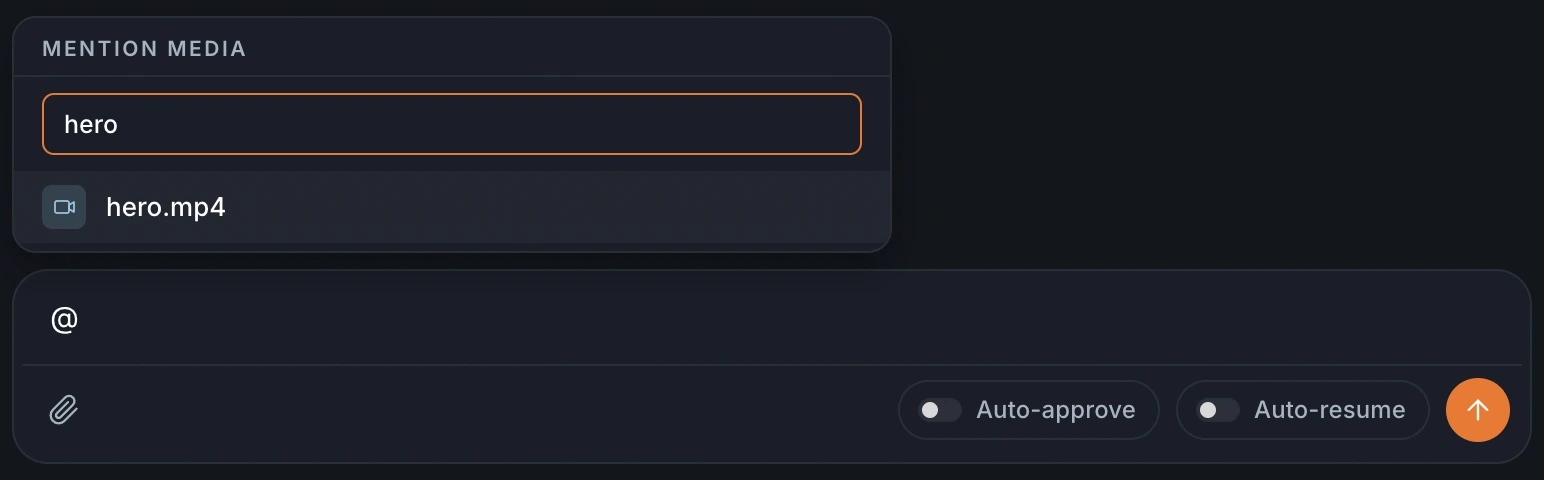
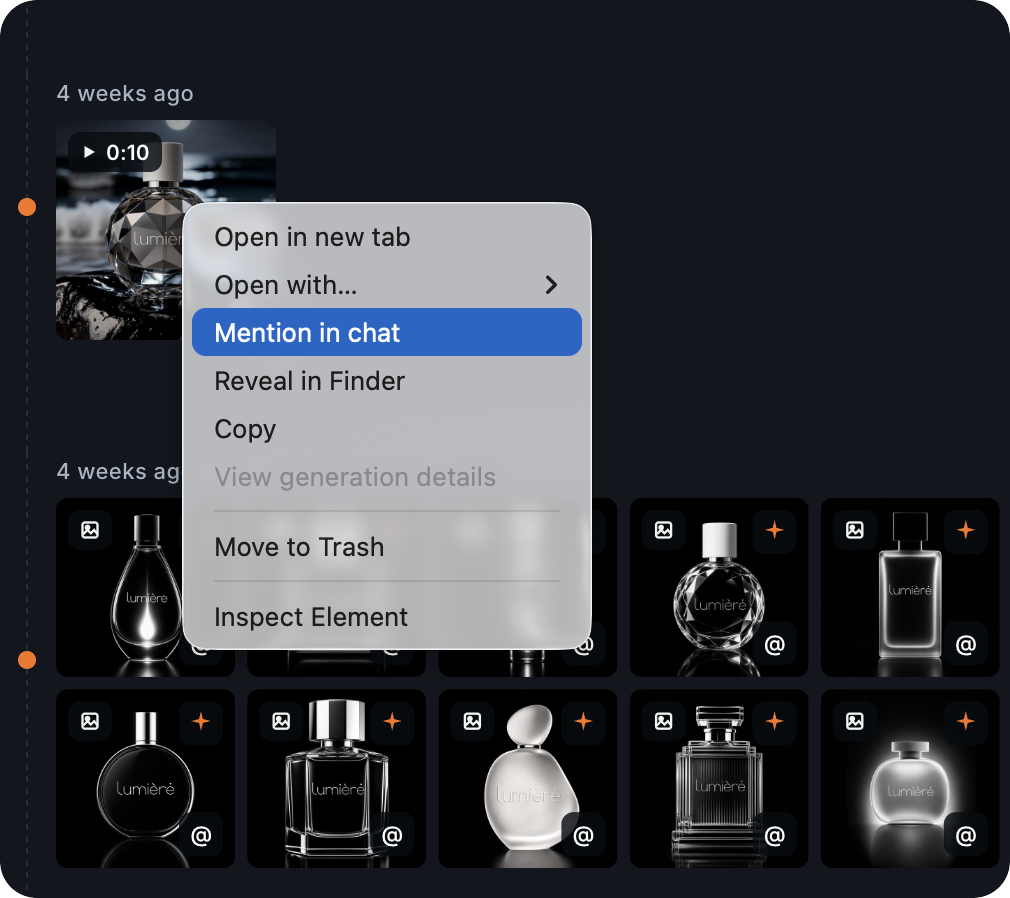
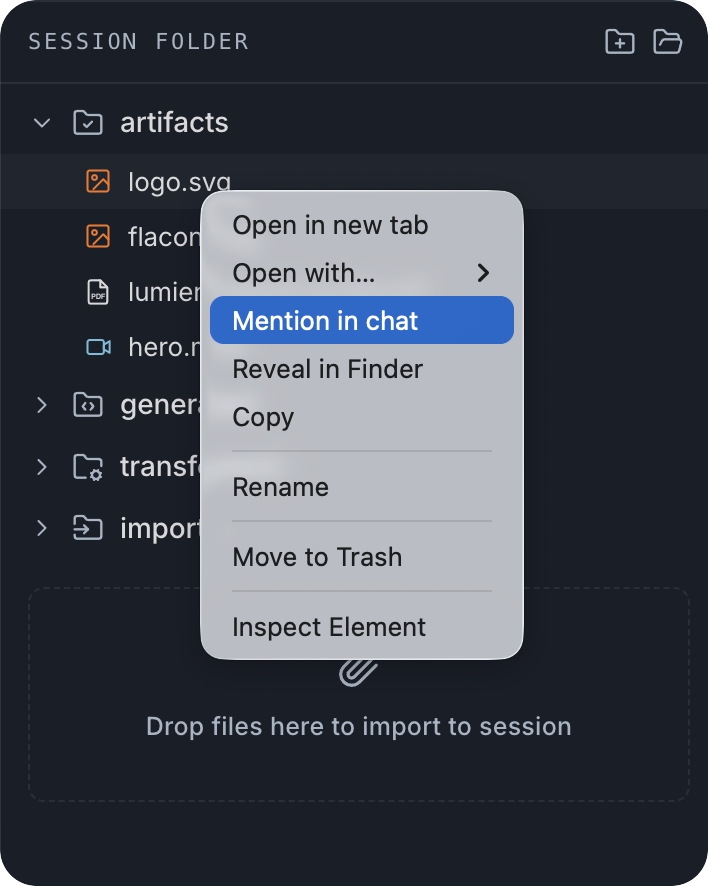
Use mentions to point a file to the agent. There are three ways:
- Type @ in the composer and pick a file from the list.
- Right-click any item in the gallery or the session folder and choose Mention in chat.
- Click the @ icon at the bottom left of a gallery preview.
Opening a mention#
Click any mention to open that media in a tab. It's a quick way to jump from the conversation to the exact file being discussed.