Sessions
Resuming a session
Every session is saved. Reopen any past one and pick up exactly where you left off — same chat, same files, same gallery.
Continue a session#
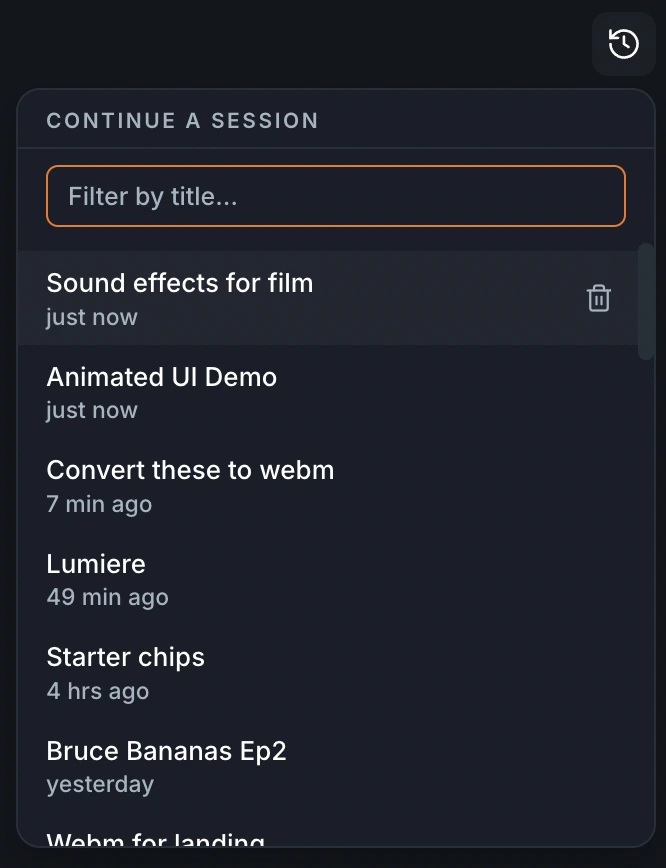
Open the Continue a session menu — the history icon in the chat header — to see your past sessions, most recent first, and reopen one.
Cold starts#
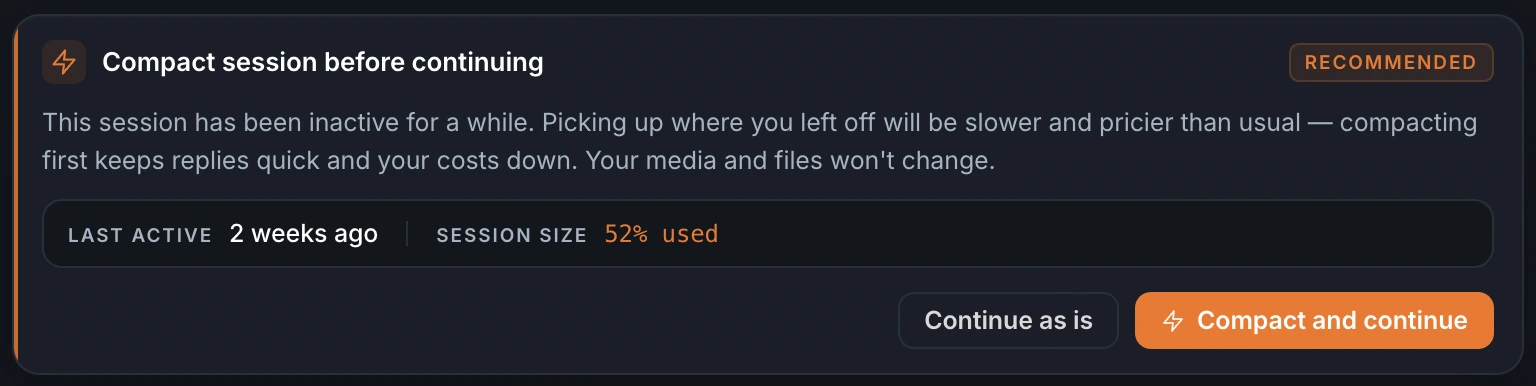
If a session has been idle for a while, resuming it is slower and a little pricier — the agent's working cache has expired and the conversation is already large. So the app suggests compacting first: it keeps replies quick and your costs down, and your media and files won't change.
You'll see a Compact session before continuing prompt. Choose Compact, or Continue as is — either way the session resumes right where it was.