Sessions
The session gallery
The right panel is a visual gallery of everything the session has produced — every image, video, and audio file, pulled from across the four folders.
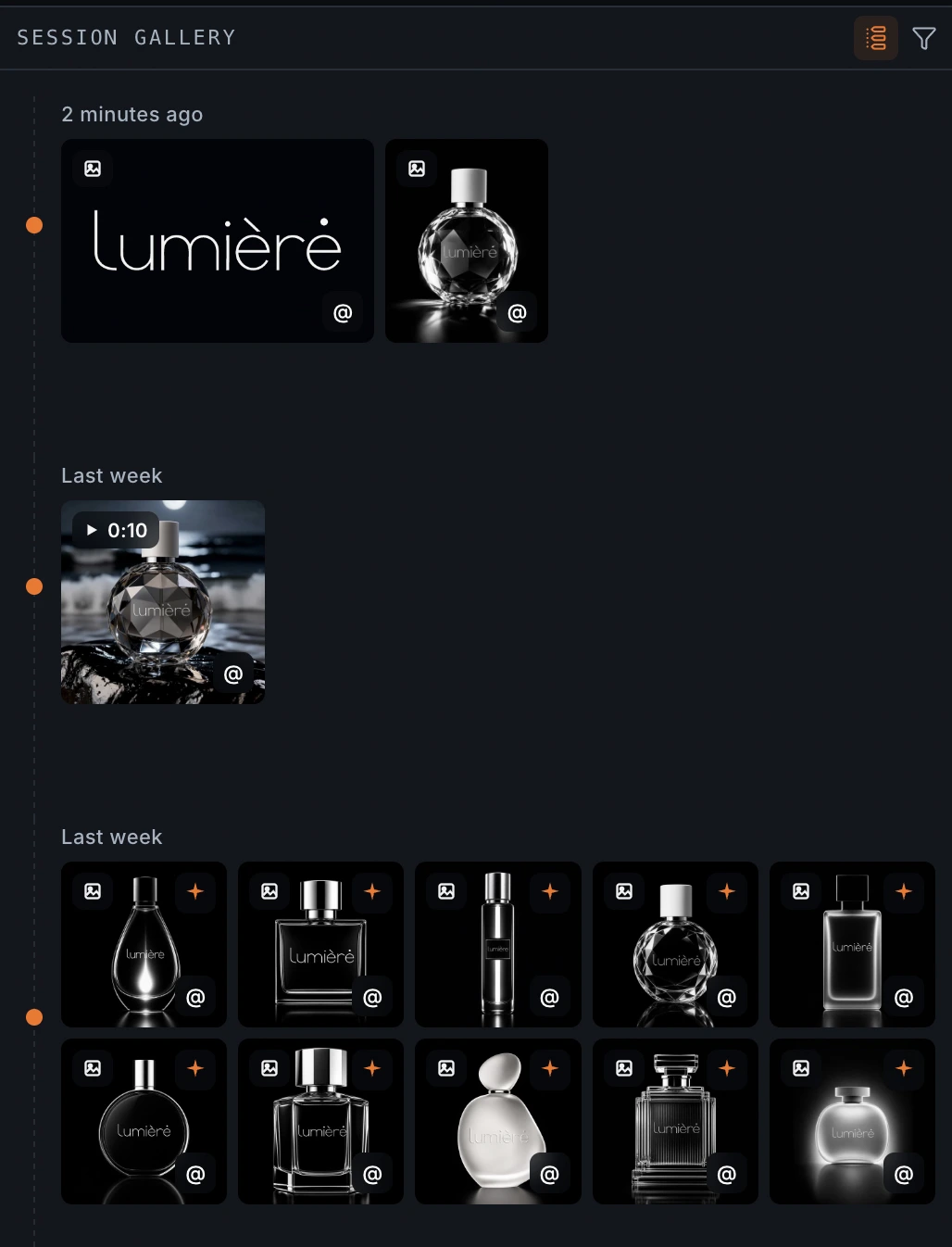
Grid and timeline#
Switch between two layouts. Grid packs your media into tidy rows; timeline lays it out in the order it was made, so you can trace a session from first sketch to final cut.
Filtering#
Filter by where a file came from — Artifacts (final deliverables), Generated (new creations and renders), Transformed (edits and enhancements), Imports (your source files), or Other (files in folders you created). Handy for pulling up just the finished pieces, or just the raw material.